Completely Uninstall
Mac Applications
Dragging apps to the Trash leaves gigabytes of caches, settings, and leftover files behind. App Remover scans deep into system directories to completely wipe residue with one click.
Explore App Interface
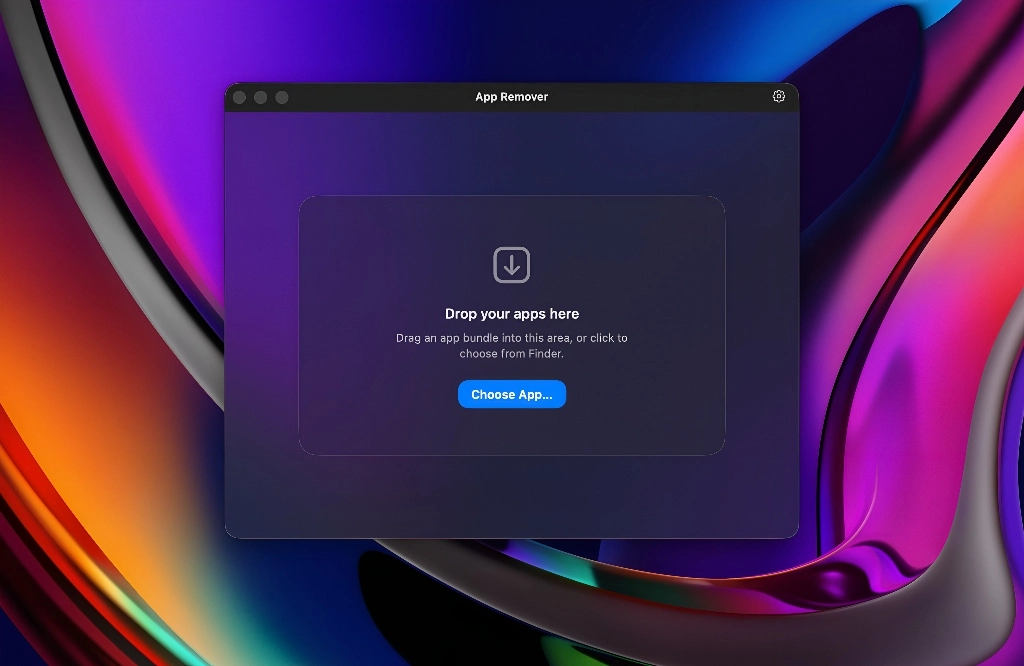
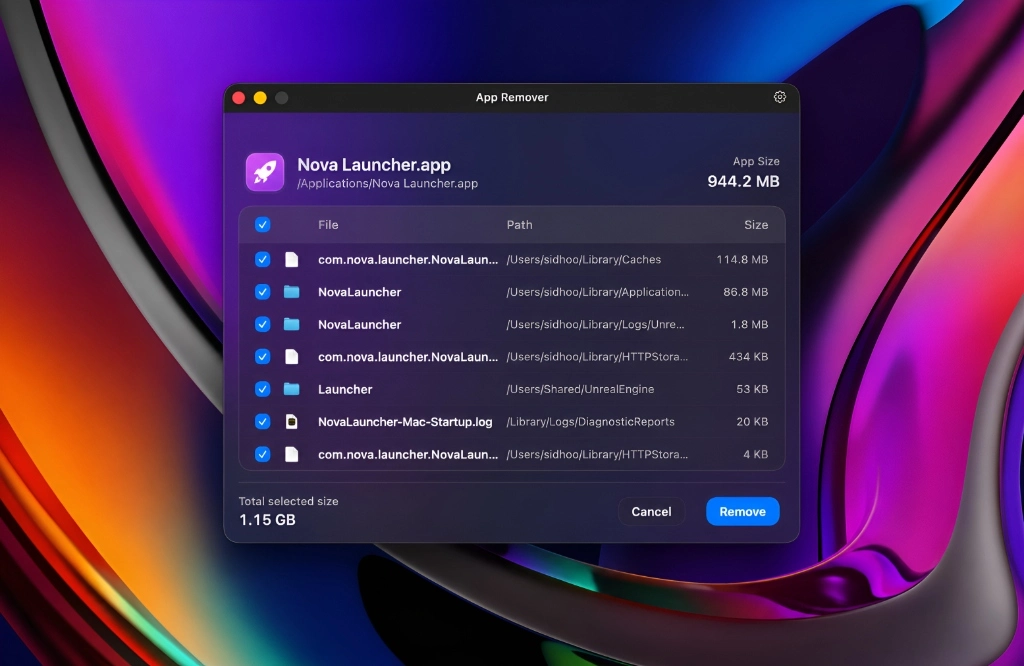
App Remover features a clean, native macOS interface built for speed and clarity. Toggle the preview states below to see how easy it is to locate and wipe residue files.
Simply drag and drop any application from your Applications folder or Finder directly into the drop zone, or use the standard file picker. Safe, fast, and completely secure.
Designed To Do One Thing Perfectly
Deep Residue Scan
App Remover reads through your system library folders, target caches, preference daemons, and application states to identify matching residual folders.
100% Free, Private & DPDP Compliant
Completely free with zero hidden tracking, zero analytics, zero personal data collection, and 100% compliance with India's DPDP Act 2023.
Lightweight & Universal
Runs natively as a Universal binary on Apple Silicon (M-series) and Intel architectures. Minimal background footprints, fast results, and instant load time.
Secure Operations
Designed to preserve standard shared frameworks and system dependencies. Displays the list of matching assets before deleting to prevent errors.
How App Remover Works
Drag & Drop App
Drag the target software icon into the App Remover dashboard or select it from the applications file picker.
Analyze Residuals
The scanner instantly traverses system libraries, cache registers, preferences, logs, and application states.
Clean Instantly
Review matching items, select what you wish to delete, and click “Wipe Residuals” to permanently free storage.
Questions & Answers
Keep Your Mac
Clutter-Free
Download the latest release of App Remover now. Drag apps, scan directories, and completely clean leftovers with a lightweight, secure tool.